BISP 8171 SMS Not Received – Real Reasons and Working Fix 2025 (Full Guide)

Many people across Pakistan are facing the issue where their BISP 8171 SMS is not received, even after submitting their CNIC or completing registration. This problem has become quite common in December 2025, as more families are checking their payment updates under the Benazir Income Support Programme (BISP).
If you’ve also applied or checked your payment through 8171 and didn’t get any confirmation SMS, don’t worry. This guide will explain the main reasons why you’re not receiving the message, and how to fix it step-by-step.
What Does the 8171 SMS Mean?
When you send your CNIC number to 8171, the system checks your record in the BISP and Ehsaas database. After verification, you receive one of three possible messages:
- You are eligible and can collect your payment.
- Your data is under verification.
- You are not eligible for this phase.
If you do not receive any of these messages within a few minutes or hours, it means there’s an issue with your SIM, CNIC, or network connection.

Why You Are Not Receiving BISP 8171 SMS
Several technical and registration-related issues can cause this problem. Here are the most common ones in 2025:
 WhatsApp Channel
1. Wrong or Inactive SIM
If your mobile SIM is not registered in your own name, the system may block your SMS delivery. Always use the same number linked with your CNIC.
2. Mobile Network Issues
Sometimes, due to heavy system load or poor signal, the 8171 message service delays sending replies. Try again after a few hours or from another network.
3. CNIC Not in the BISP Database
If your CNIC is not part of the BISP or NSER survey, the system won’t generate any message. You need to visit the nearest BISP Tehsil Office and register again.
4. Typing Mistake in CNIC
Even a small mistake in your CNIC digits can cause the system to reject your query silently. Recheck your number before sending.
5. Server Delay or Technical Error
During payment phases, the 8171 system experiences heavy traffic. This may delay messages for several hours.
Step-by-Step Fix – BISP 8171 SMS Not Received
Follow these simple steps to fix your problem:
Step 1: Use the Correct Format
Make sure you are typing your CNIC number correctly without any dashes or spaces. Example:
3520176543219 → send to 8171.
Step 2: Use Your Own SIM
Send the message from your own mobile number, which is registered under your CNIC. Avoid using another person’s SIM.
Step 3: Check Mobile Signal and Balance
Ensure your mobile network is active and has at least Rs. 2 balance. Sometimes messages fail when balance is zero.
Step 4: Wait for 24 Hours
If there’s heavy traffic on the 8171 system, you may receive a delayed message. Wait for 24 hours before trying again.
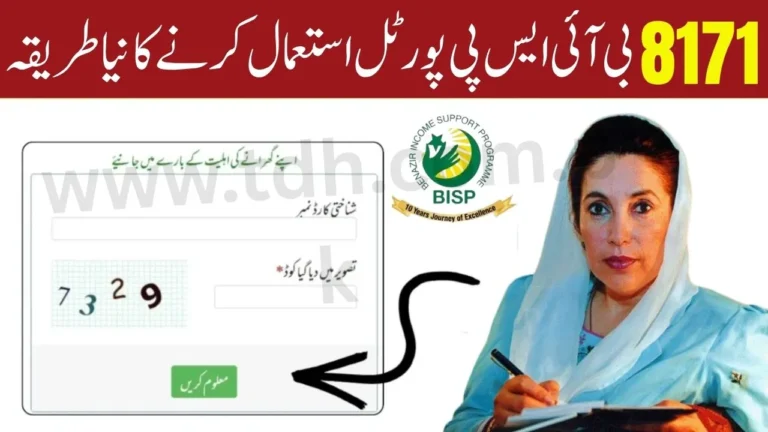
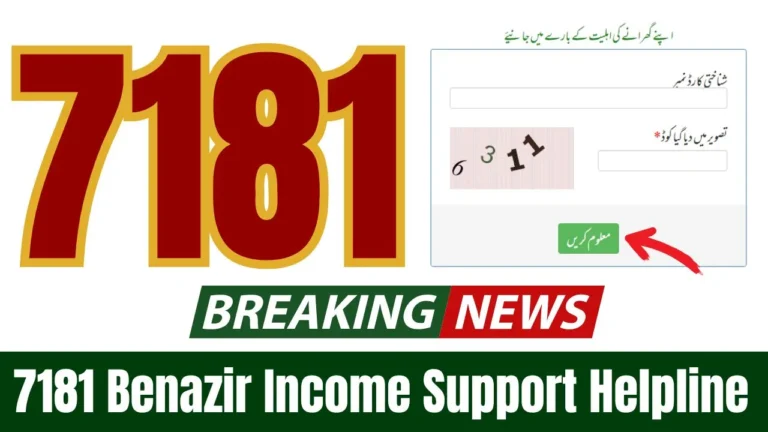
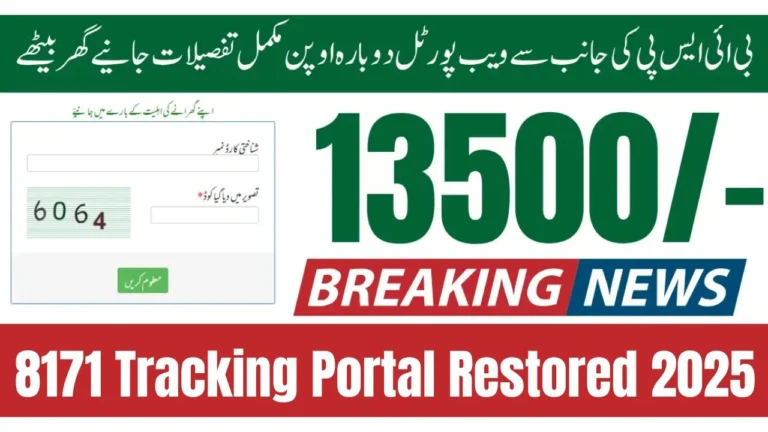
Step 5: Verify Through the 8171 Online Portal
If you still haven’t received a reply, visit the official 8171 BISP website:
https://8171.bisp.gov.pk
Enter your CNIC number and captcha code to check your status manually.
Step 6: Visit BISP Tehsil Office
If your record is missing or SMS never arrives, visit your nearest BISP office with your original CNIC for help.

How to Confirm Your BISP Payment Without SMS
If you didn’t get a confirmation message, there are other ways to verify your payment:
| Method | Description |
| Online Portal | Check payment status at 8171.bisp.gov.pk |
| BISP Office Visit | Visit Tehsil Office for manual verification |
| Helpline Call | Contact 0800-26477 for complaint |
| ATM Check (HBL/Alfalah) | Use CNIC and thumbprint to check payment |
| Registered Agent | Confirm through official BISP agent or retailer |
Common Messages You May Receive
| Message Text | Meaning |
| “You are eligible” | Visit nearest payment center for cash |
| “Under verification” | Wait for 3–5 working days |
| “Not eligible” | Not selected for current phase |
| No message received | Technical or CNIC issue |

What to Do If You Still Don’t Get the SMS
If the problem continues even after following all steps:
- Visit your nearest BISP Tehsil Office.
- Bring your original CNIC and mobile phone.
- Request the officer to check your record manually.
- They’ll tell you whether your CNIC is registered or not.
If you are eligible, they’ll guide you on how to collect your payment from HBL Konnect or Bank Alfalah counters.
Important Helpline Numbers
| Department | Contact |
| BISP Helpline | 0800-26477 |
| Ehsaas Program Helpline | 051-9246326 |
| Website | https://8171.bisp.gov.pk |

Conclusion
If your BISP 8171 SMS is not received, don’t panic. Most of the time, it’s a temporary issue caused by network or system load. Always make sure your CNIC is correct, your SIM is registered in your name, and your data is updated in the BISP database.
Checking through the official portal or visiting a BISP office can give you instant clarity about your eligibility and payment status.
Frequently Asked Questions (FAQs)
1. Why didn’t I get any SMS after sending my CNIC to 8171?
It could be due to server delay, inactive SIM, or CNIC not registered in the BISP database.
2. Can I check my BISP status online without SMS?
Yes, visit 8171.bisp.gov.pk and enter your CNIC to check your eligibility online.
3. How long does it take to receive the 8171 SMS reply?
Usually within 1–24 hours depending on network traffic.
4. Does it matter which SIM I use for 8171?
Yes, use the SIM registered in your CNIC name for successful verification.
5. What if I never get any SMS even after multiple tries?
Visit the nearest BISP Tehsil Office to manually verify your record.