BISP Digital Wallet Account Registration Guide 2026 – Complete Step-by-Step Process
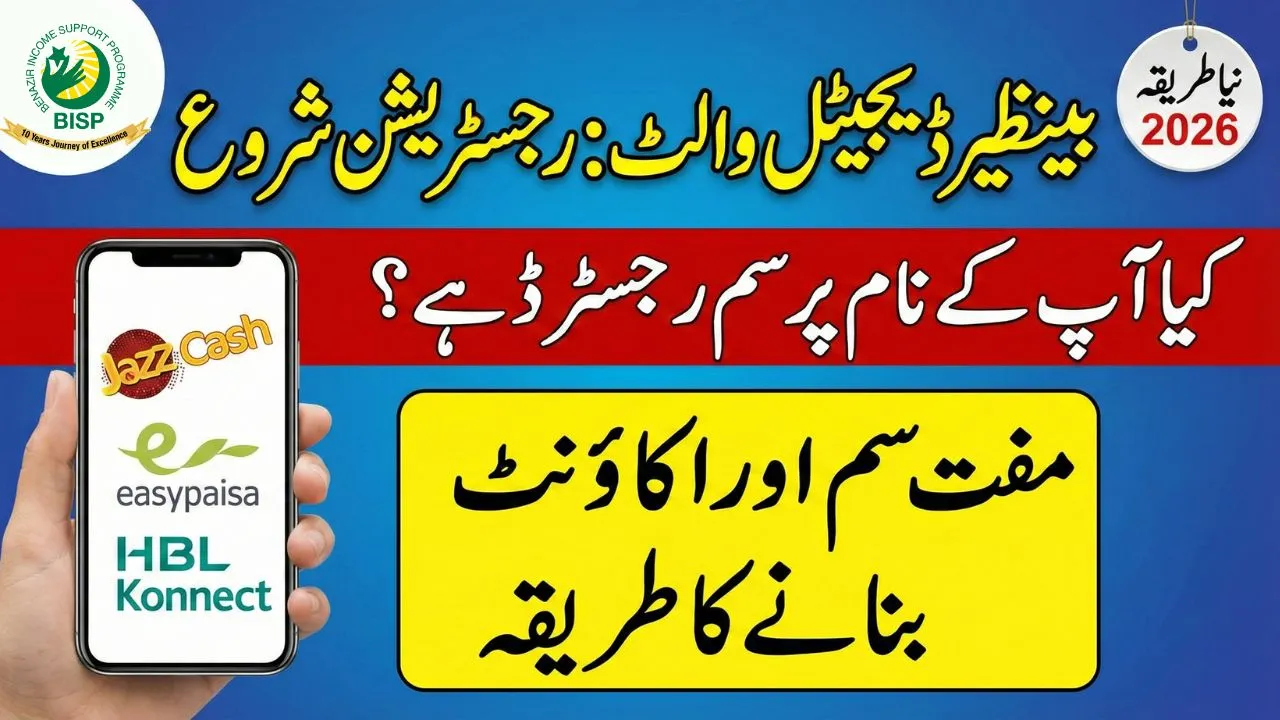
The Benazir Income Support Programme has officially shifted to a Digital Wallet System in 2026, marking one of the biggest reforms in Pakistan’s social welfare history. This transformation ensures that beneficiaries receive their full Rs. 13,500 payment directly on their mobile phones, without agents, deductions, or delays.
This guide explains how to register, activate, and safely use the BISP Digital Wallet, who is eligible, which documents are required, and how to avoid fraud.
What Is the BISP Digital Wallet System?
The BISP Digital Wallet is a mobile-based payment system introduced to replace cash centers and manual disbursement methods. Instead of standing in long queues, beneficiaries now receive funds directly in a bank-linked mobile wallet.
Key Benefits of the Digital Wallet
- No middlemen or illegal deductions
- Instant access to payments
- Full transparency
- Secure biometric verification
- Payments credited directly to beneficiary
This system mainly serves Benazir Kafaalat Program beneficiaries, ensuring dignity and financial safety.
Check Your Eligibility for BISP Digital Wallet
Before registering a wallet, you must confirm that you are an active BISP beneficiary.
 WhatsApp Channel
Method 1: SMS Verification
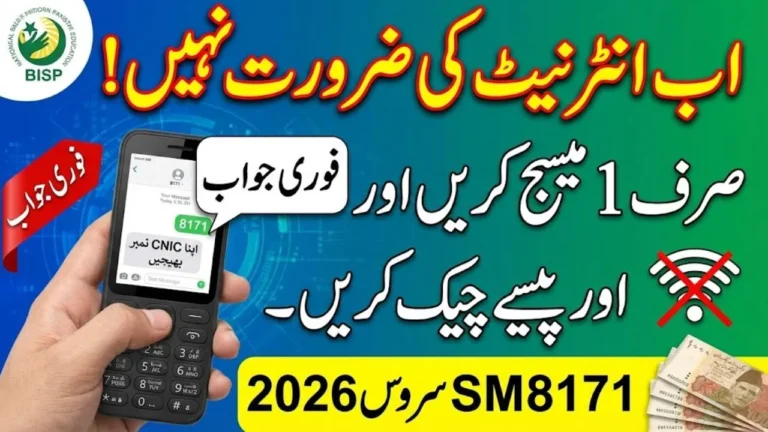
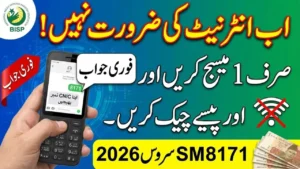
Send your 13-digit CNIC number (without dashes) to 8171.
You will receive a reply confirming your eligibility status.
Method 2: 8171 Web Portal
Visit the official 8171 web portal, enter your CNIC, and check your payment and eligibility status online.
Method 3: Dynamic Survey 2026
If you are not registered:
- Visit your nearest BISP Tehsil Office
- Complete the Dynamic Survey 2026
- Ensure your family data is updated correctly
Only eligible and verified households can proceed to wallet activation.
Prepare Your Mobile SIM (Very Important)
A BISP Digital Wallet cannot be created without a registered SIM.
SIM Requirements
- SIM must be registered on beneficiary’s CNIC
- SIM must be active and biometric verified
- One beneficiary = one SIM
If you do not have a SIM in your name, visit a franchise of Jazz, Telenor, Zong, or Ufone and register one using your CNIC.
Free SIMs for BISP Beneficiaries
The government is distributing 10 million free SIMs for BISP beneficiaries in selected districts.
Confirm eligibility from your local BISP office.

BISP Digital Wallet Account Activation Process
The wallet is created only through BISP-authorized banks and mobile platforms.
Official BISP Wallet Partners
- JazzCash
- Easypaisa
- HBL Konnect
- Bank Alfalah
- Bank of Punjab
Activation Steps
- Wait for official SMS from 8171
- Visit an authorized agent or bank branch
- Provide original CNIC
- Complete biometric thumb verification
- Create a 4-digit PIN
Your digital wallet will be activated instantly after successful verification.
Critical Safety Warnings for Beneficiaries
Many beneficiaries face fraud due to misinformation. Keep these points in mind.
Do Not Create a Personal Wallet Yourself
Opening a normal JazzCash or Easypaisa account without BISP instruction can block your official BISP wallet. Always wait for 8171 guidance.
No Fees at All
- Registration is 100% free
- Withdrawals are completely free
- Any demand for commission is illegal
Report Fraud Immediately
Call BISP Helpline 0800-26477 if:
- An agent asks for money
- Someone demands your PIN
- You receive messages from non-8171 numbers
Only 8171 is the official BISP communication channel.
Required Documents for BISP Digital Wallet
| Document | Requirement |
| Original CNIC | Must be valid and not expired |
| Registered SIM | Must be on beneficiary’s CNIC |
| Biometrics | Thumb verification mandatory |
Without these documents, wallet activation is not possible.
How to Receive and Withdraw BISP Payment
Once your wallet is active:
- Rs. 13,500 payment is credited automatically
- You receive an SMS alert
- Withdraw cash from:
- Authorized agents
- Bank branches
- Partner ATMs (where applicable)
You can also save money in your wallet for future use.

Common Problems and Their Solutions
CNIC Not Verified
Visit NADRA and update your biometric data.
SIM Not in Your Name
Get SIM transferred or issue a new SIM on your CNIC.
No SMS from 8171
Visit BISP Tehsil Office and confirm your status.
Frequently Asked Questions (FAQs)
Is BISP Digital Wallet mandatory?
Yes. All payments in 2026 are issued through the digital wallet system.
Can someone else withdraw my payment?
No. Biometric verification is required for withdrawal.
Can I change my wallet provider?
Only with BISP approval through the Tehsil Office.
What if my thumb verification fails?
You may be referred to NADRA for biometric update.
Final Words
The BISP Digital Wallet system is a major step toward transparent, secure, and respectful financial support for deserving families. If you follow the official process, keep your documents ready, and trust only 8171 messages, you will receive your full payment without any issues.